Infographic – effective Email call-to-actions

What makes the perfect email call-to-action (CTA)?

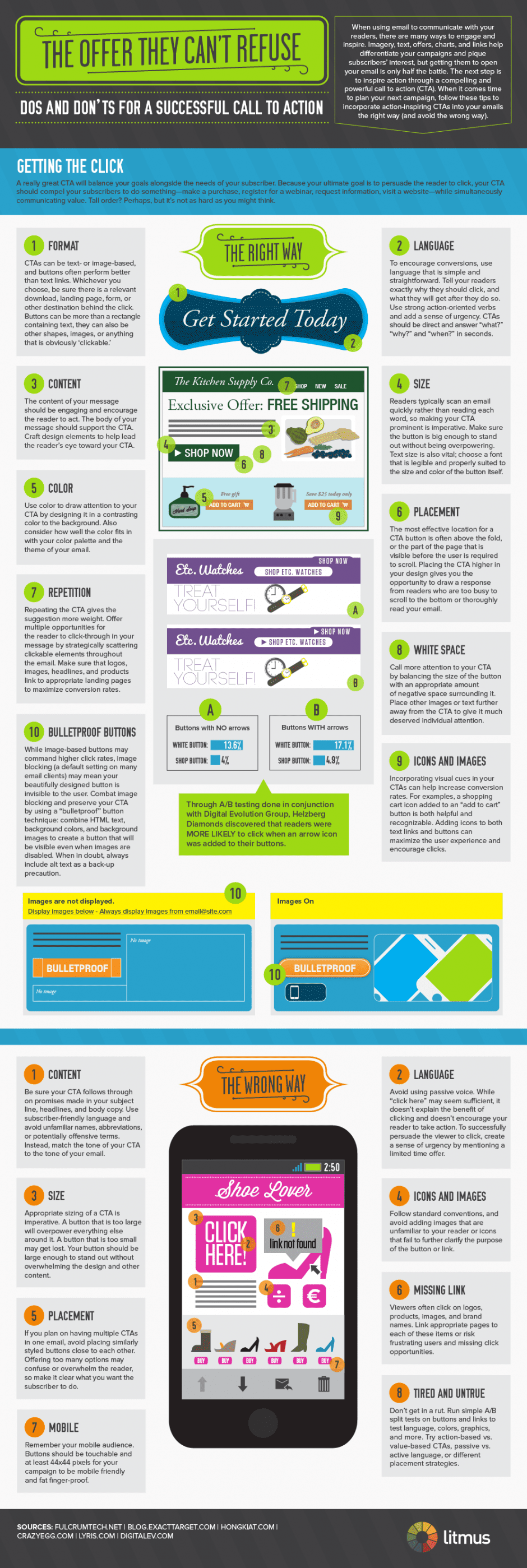
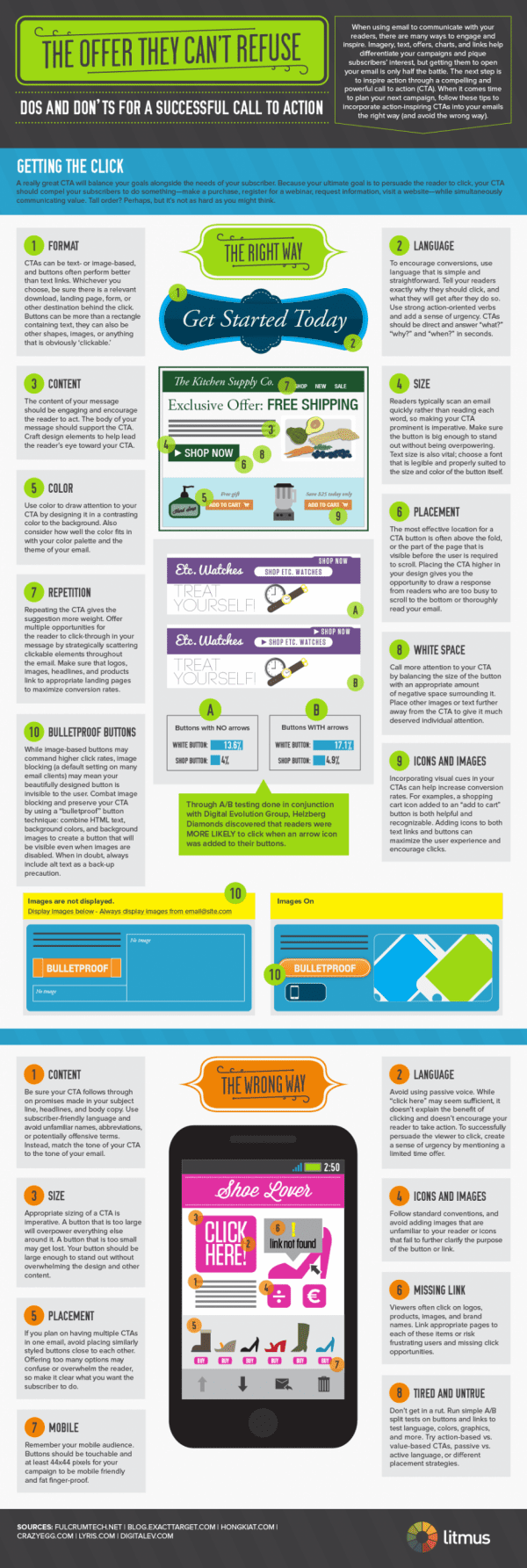
The recent post by Kath Pay discussing what makes an effective call-to-action in marketing emails showed how it’s easy to get this wrong. No excuses now! Check out this new + useful infographic from Litmus that shows every issue about CTAs you could possibly want to know about.

A lot of the ideas are obvious, but the obvious isn’t always obvious, particularly when there are other design constraints. Of course, colour and size get a mention, but did you know there is even a law to back this up; this Fitt’s Law states that:

“The time required to rapidly move to a target area is a function of the distance to the target and the size of the target”.

I also enjoyed the snippet that showed that buttons with arrows encourage more clicks than those that don’t – collectively these small tweaks can make a difference. Another “old chestnut”, showing the value of the click to the clicker is also covered in the how not to do it section.
 

This entry was posted in Email creative and copywriting. Bookmark the permalink.
  • Mark Reynolds

    I’m bemused by the example button in number 1 in the ‘Right Way’ part of the infographic. The reason that many website owners use rectangular shapes containing text (eg. Google) is that the image/text is ‘obviously clickable’ – because users of the web regularly interact with rectangular based buttons on the web every day.

    So why does the infographic show a button which is not obviously clickable, it looks like it could be a banner of some sort. With any button, it’s important to reduce any ambiguity otherwise you’ll confuse your audience. Keep it simple. Obviously if testing showed that Litmus’ approach worked better then use that approach, but I’d be shocked, wouldn’t you?

    • http://www.smartinsights.com/ Dave Chaffey

      Hi Mark – I noticed this and thought it was strange – convention is important with Call-to-action and it’s definitely unconventional.

      I found the other examples later in the infographic were more conventional, so I didn’t comment on it – I suspect the designer who created the infographic isn’t a marketer and it wasn’t removed in the edit!

      Dave

      • http://www.litmus.com Justine, Litmus

        Mark and Dave, thanks for the feedback! Dave is actually spot-on, I debated on keeping the original format of the first example as designed, or changing it based on standard convention. I ended up leaving it — it’s an unusual approach, but could certainly still be used as a button! FWIW, my original suggestion to the designer was to use an unconventional button such as the images at the bottom of the email on the right that also serve as ‘buttons’

  • http://www.litmus.com Justine, Litmus

    Thanks for sharing our infographic! I wasn’t aware of Fitt’s Law before now :)

    • http://www.smartinsights.com/ Dave Chaffey

      No worries Justine – it’s been popular + widely shared and rightly so.

      Dave

  • Pingback: e-Dialog's Top 10 Don't Miss Marketing Links of the Week | e-Dialog Marketing Blog

  • Pingback: Software Marketing Tweetables - 19 March 2012 | Smart Software Marketing

Feedback Form
Feedback Form